
Keep working. Even offline.
Read and search cached mail without a connection. Archive and organize immediately; your changes sync to your provider when you reconnect.
Bring every inbox together. See what needs your attention. Fly through the rest. A beautiful desktop workspace for getting email done.
Download ZenStork free For Windows & Linux. Yours to make your own.Your email stays your email.
Give it a better home.
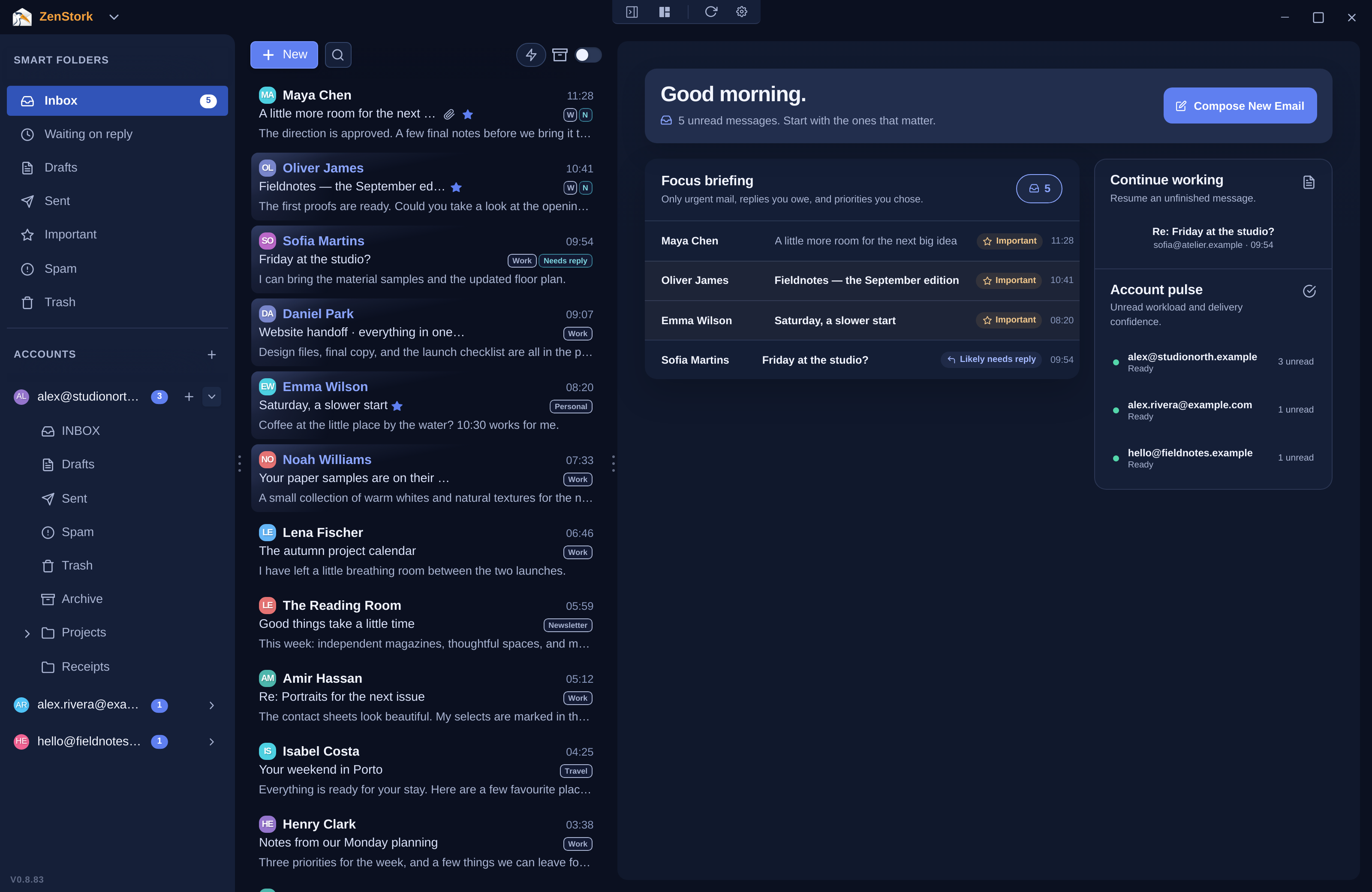
Start with the conversations you chose to prioritize. Spot likely replies and pick up an unfinished draft, without hopping between accounts.
Your Focus briefing puts the next useful action in view. You decide which senders deserve priority.
Read it. Reply to it. Put it away.
The everyday things should feel effortless.
Read and search cached mail without a connection. Archive and organize immediately; your changes sync to your provider when you reconnect.
Navigate, reply and archive from your keyboard. Spend less time reaching for the next button.
Search by sender or subject, spot conversations that may need a reply, and make your next move right where you are.
Room to read. Everything else within reach.
Make room to read. Settle into your favorite colors. Build a workspace you actually look forward to opening.
Light and dark themes included free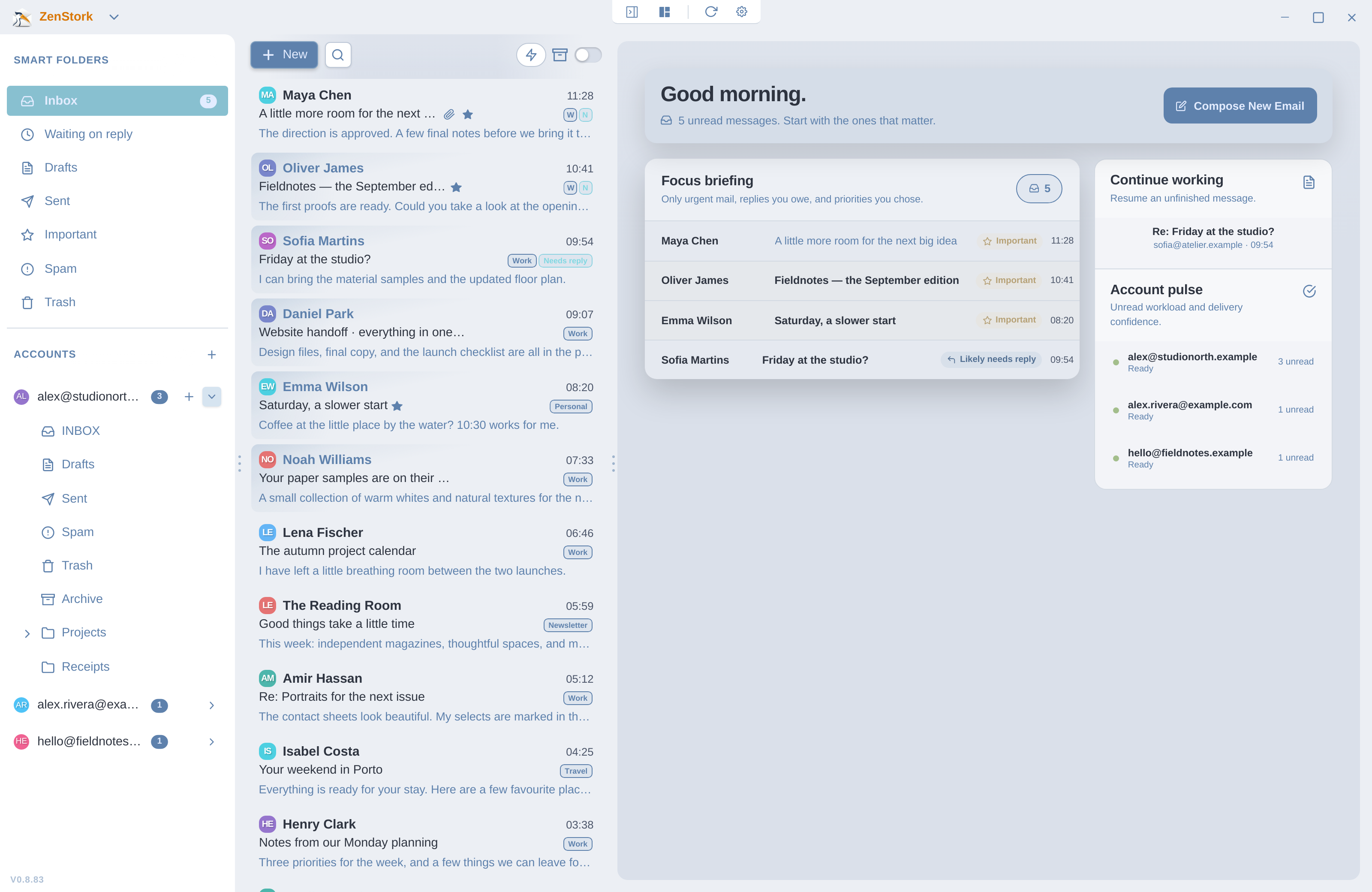
Adjust your reading panes, tuck away the sidebar, or enter Focus Mode when one conversation deserves your attention.
Premium adds reusable snippets and email templates. Spend your energy on what’s new, and keep the useful parts close.
Explore PremiumYour email connects directly to your provider. It isn’t routed through ZenStork’s servers. Your mail, local search and organization stay on your computer.
Privacy, in plain EnglishA full email app from day one. Choose Premium when you want more ways to make it yours.
Everything you need to find your focus and get through your mail.
A more personal workspace. Less repetitive writing. Yours on every device.
The complete email client stays free. Premium is optional and available inside the app.
The practical details, without the small print.
Get the free clientNo. ZenStork is a client for your existing Gmail or standard IMAP/SMTP accounts. You keep your address and provider; ZenStork gives you a desktop workspace for reading and organizing the mail.
ZenStork’s Gmail setup uses a Google App Password rather than your normal Google password. You’ll need 2-Step Verification enabled and an account that supports App Passwords. The app includes a setup guide.
Read and search mail that has already been cached on your computer, and organize your inbox. Local changes remain queued for your provider. Fetching new mail and completing provider sync require a connection.
Mail content travels between your computer and your mail provider. ZenStork does not upload your mailbox to its servers. Account credentials use your operating system’s secure storage.
The complete mail client stays free. Premium adds more themes, reusable snippets, email templates and more encrypted settings-sync devices. It does not turn basic email into a paid feature.
ZenStork is available for Windows and Linux. The Windows download is for Windows 10/11, 64-bit. Linux downloads include AppImage, with DEB and RPM options when available in the current release.
Your inbox is coming with you. Bring your existing accounts, find your focus, and get on with your day.